Hi, how can we help you? 🛟

Write below anything you want to learn about. For example, employees, website, mobile application, etc.

Getting Started

First Steps with Calendesk

Learn how to quickly get started with Calendesk, from registration to initial setup.
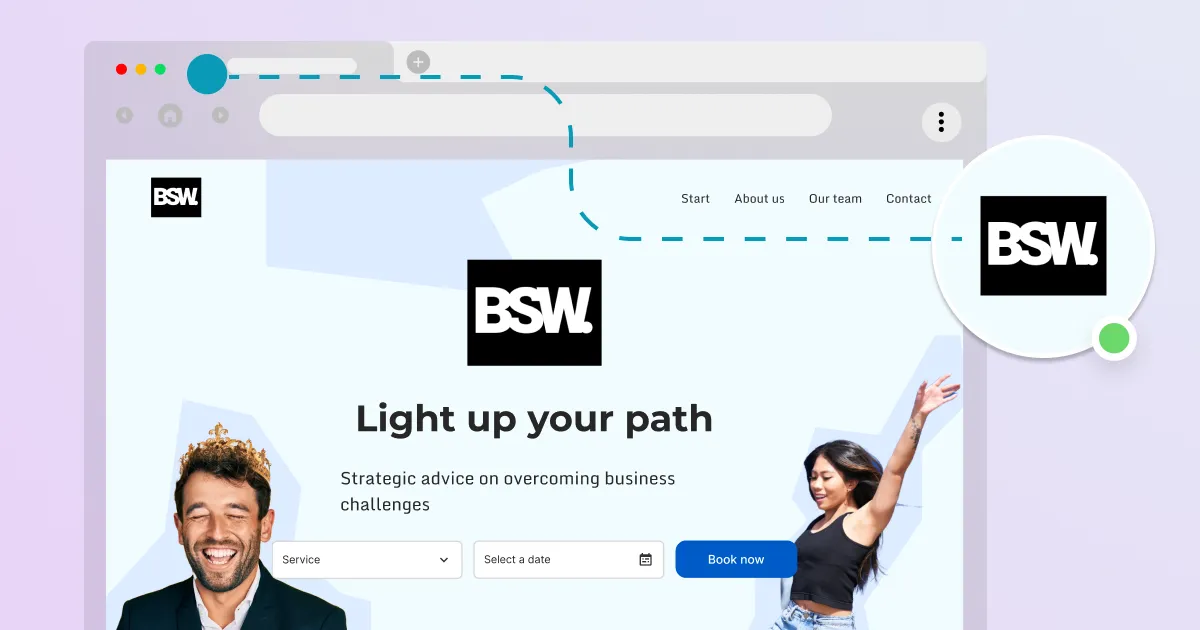
How to add an online booking system to your website?

Read time: 2 minutes

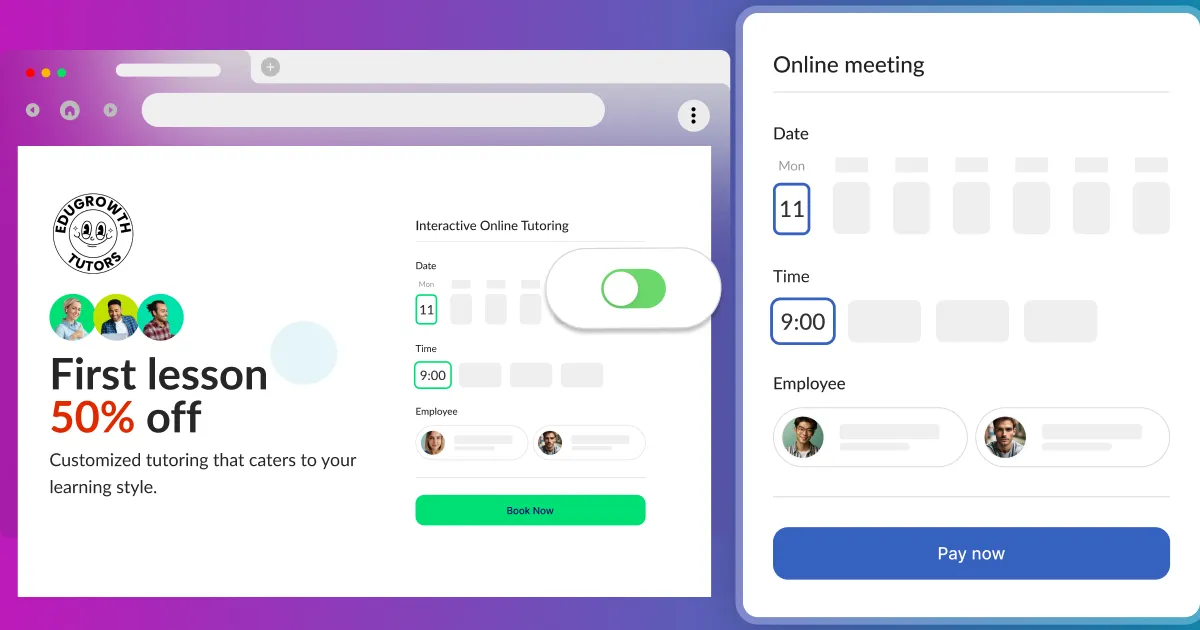
How to add an online booking system to your website?

They are a few ways to add Calendesk Online Booking System to your website. Go to the draft listFirst, please go to the list of your website drafts and...
How can I manage bookings through the calendar?

Read time: 2 minutes

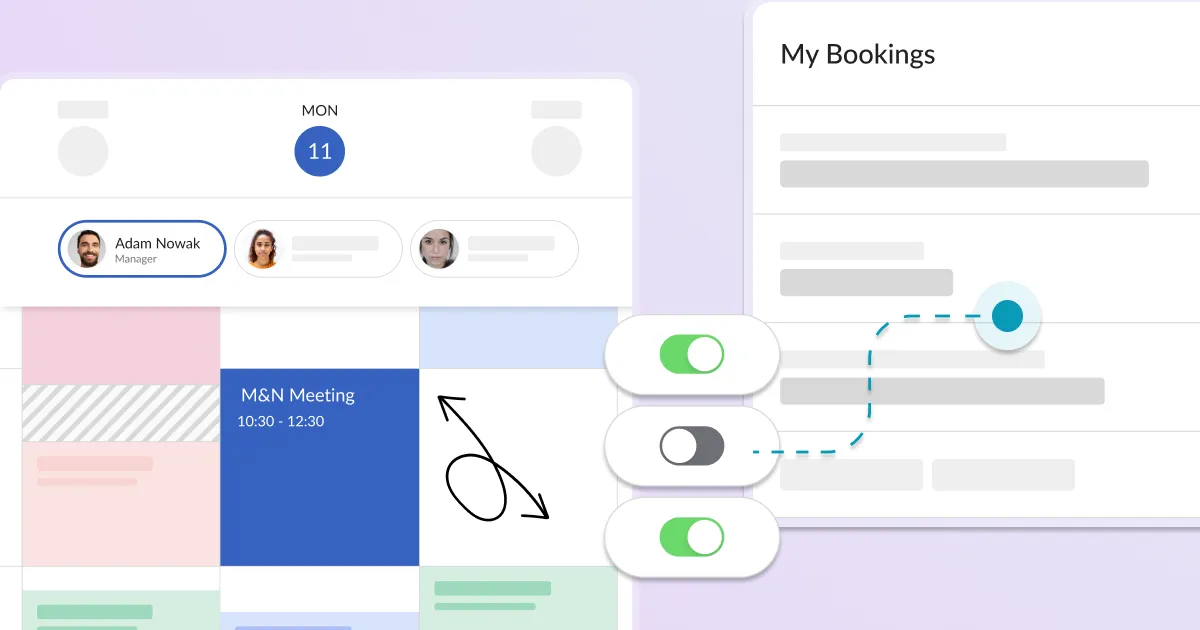
How can I manage bookings through the calendar?

The calendar is a section where your employees can view and manage all paid and accepted online bookings. To view all the bookings, you need t...
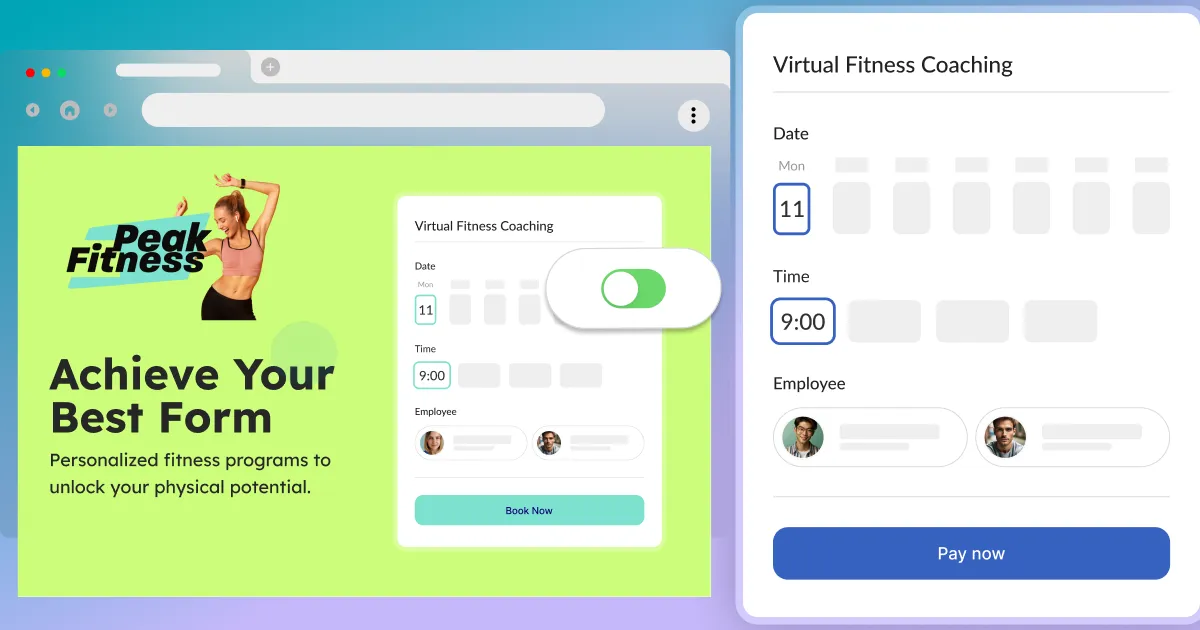
How to add an online booking system to WordPress?

Read time: 2 minutes

How to add an online booking system to WordPress?

Make sure you have read the article about generating your code for your online booking system: How to add an online booking system to your website? Onc...
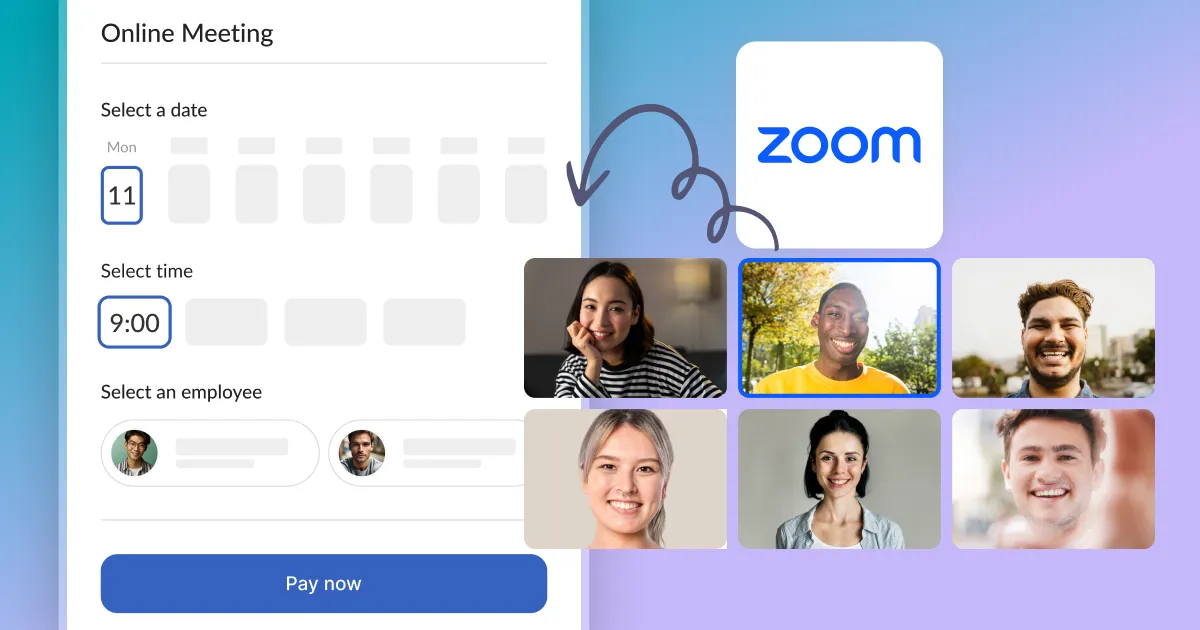
How to integrate Zoom?

Read time: 4 minutes

How to integrate Zoom?

Calendesk integration with Zoom. In this article, you will learn how to connect Calendesk and Zoom. Zoom is one of the most popu...
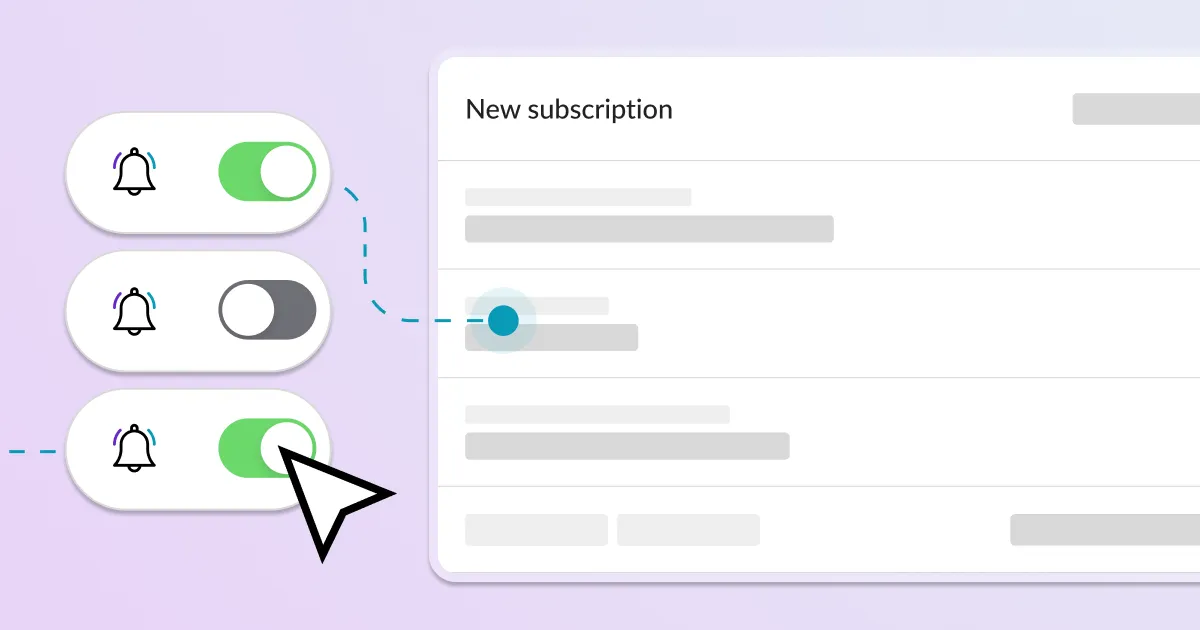
How to offer subscriptions or one-time payments for your customers?

Read time: 6 minutes

How to offer subscriptions or one-time payments for your customers?

What do you need before you create a subscription-based model in Calendesk? You need to have an active Calendesk account. If you don't have an accoun...
How to personalize the sender name for SMS messages?

Read time: 2 minutes

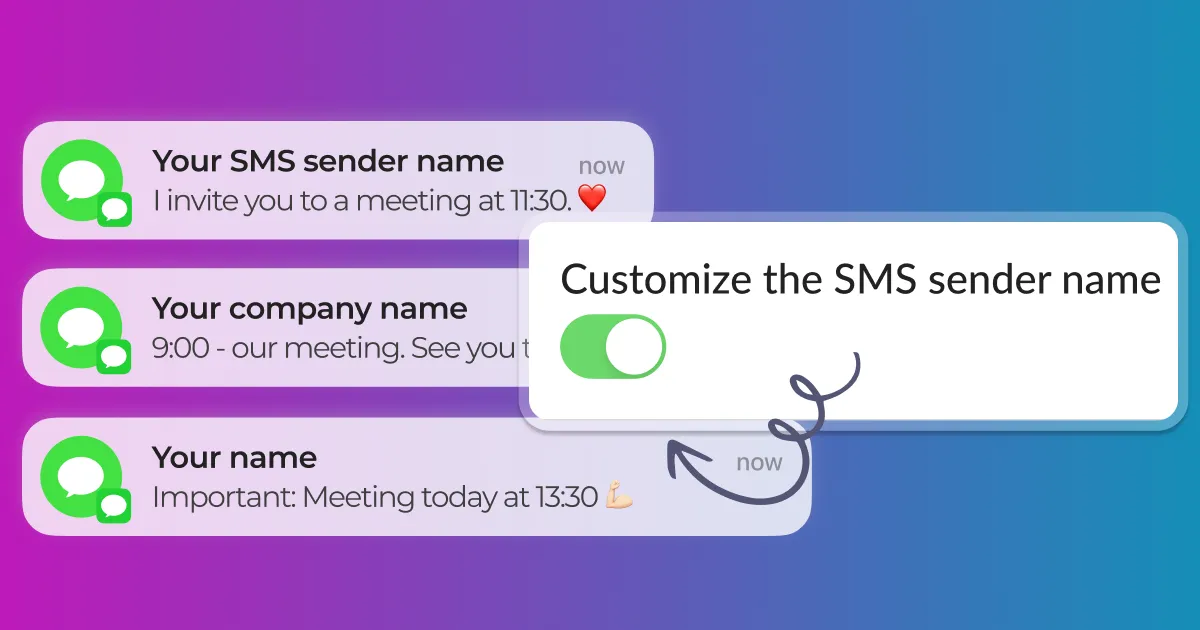
How to personalize the sender name for SMS messages?

What is an SMS Sender Name (A Sender Id)?An SMS Sender Name allows you to send SMS messages to your customers from a personalized sender name (like a ...
How can I personalize a website?

Read time: 5 minutes

How can I personalize a website?

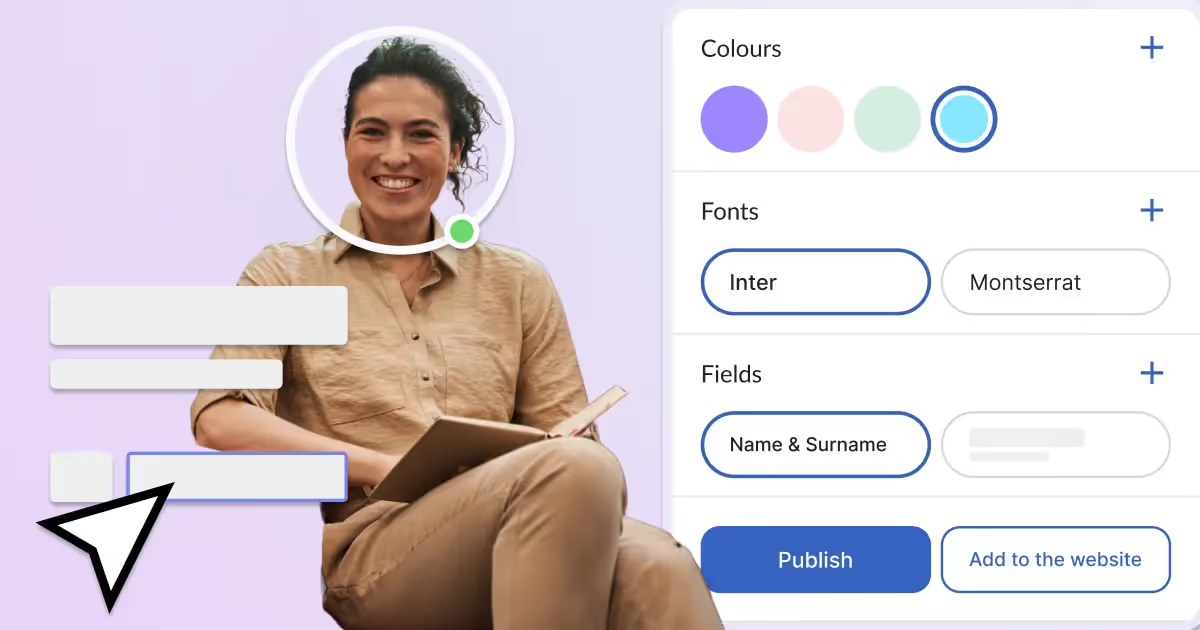
In this article, you will learn how to personalize your website. Once you have generated a website and personalized the subdomain, you can publish you...
How to integrate Google Services (Google Calendar and Google Meet)?

Read time: 3 minutes

How to integrate Google Services (Google Calendar and Google Meet)?

What are Google Calendar and Google Meet? This article teaches you how to connect your Calendesk account to Google Calendar and Google Meet. Google Cale...
Advanced Notification Editing

Read time: 5 minutes

Advanced Notification Editing

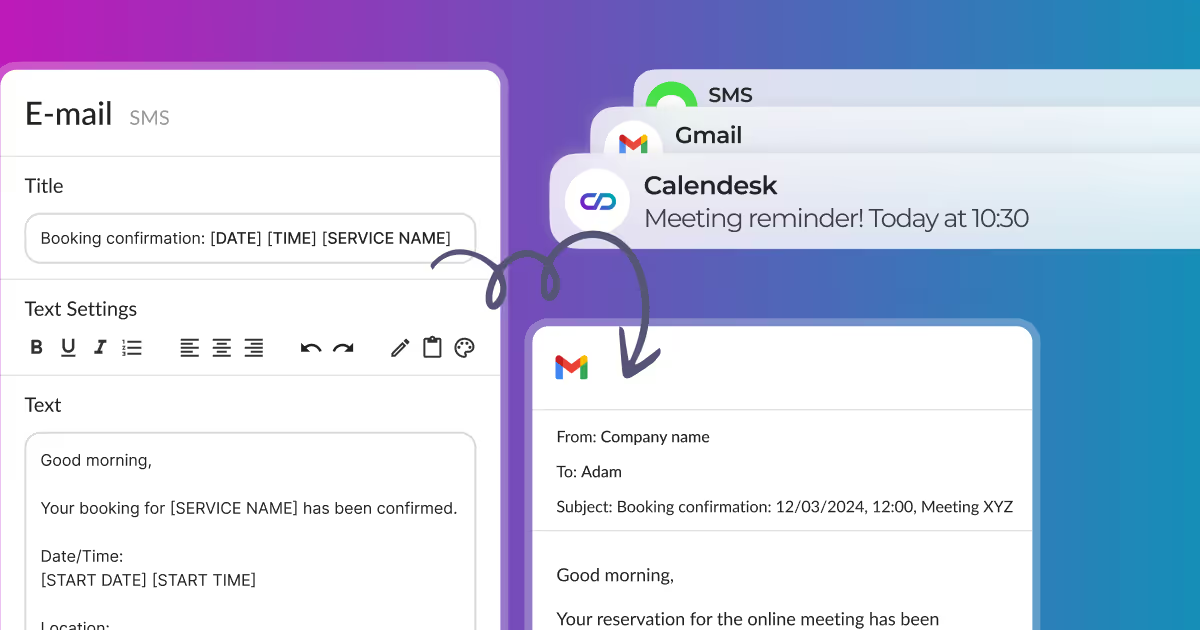
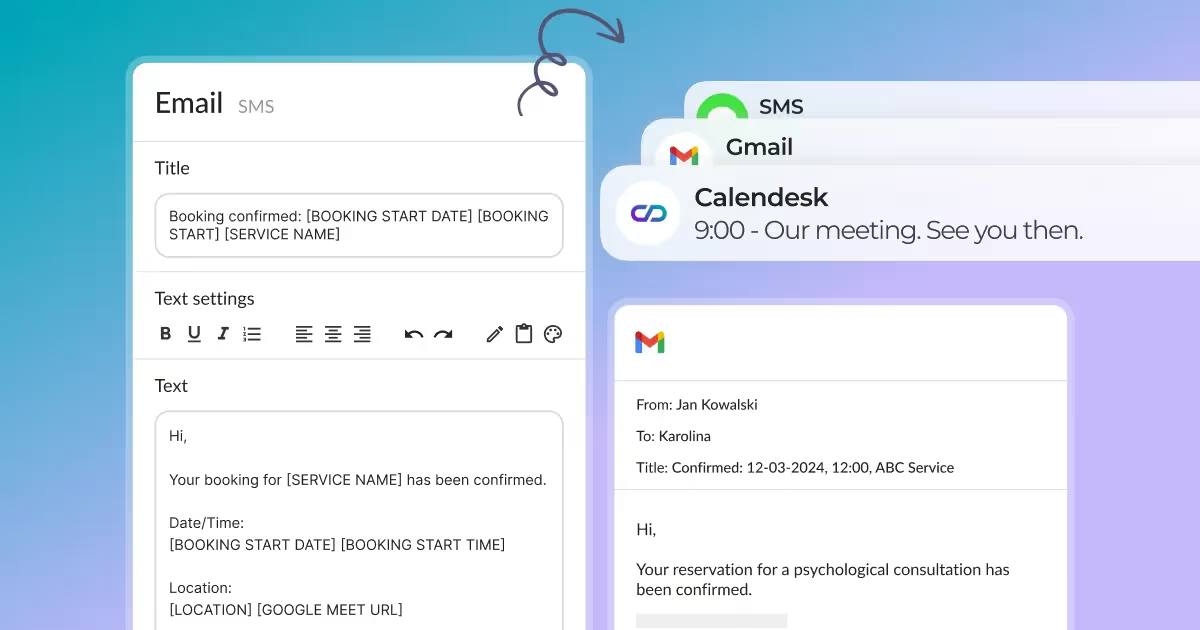
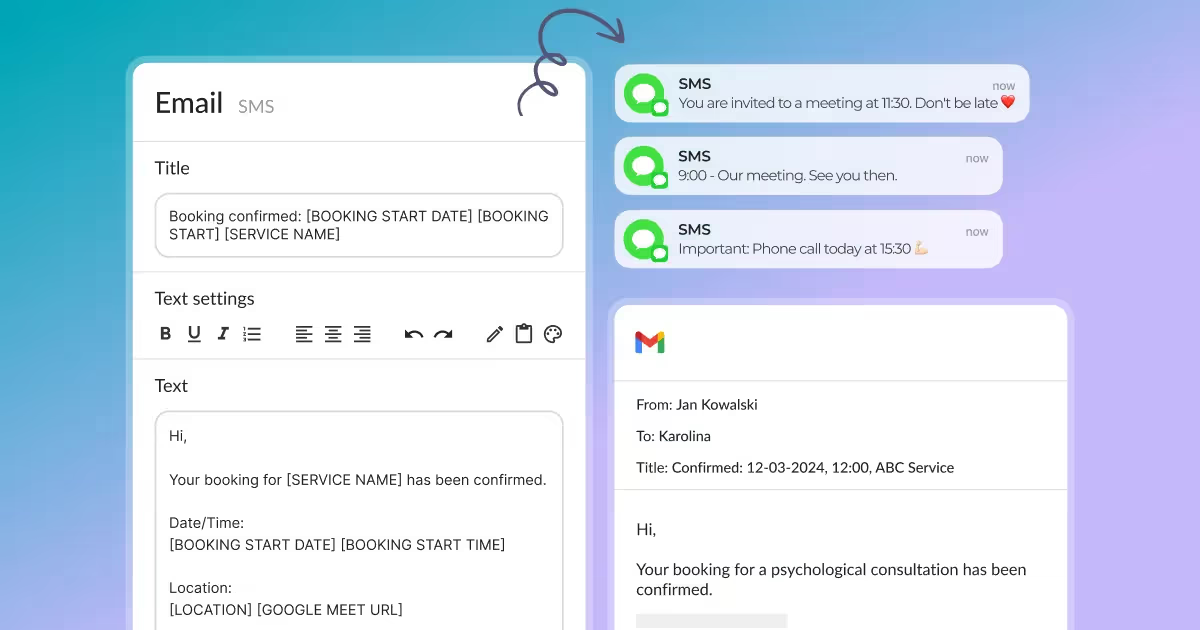
You can customize all notifications that Calendesk sends to your customers and employees. First, please go to the "Notifications...
How to effectively manage a newsletter? From collecting email addresses to sending messages.

Read time: 2 minutes

How to effectively manage a newsletter? From collecting email addresses to sending messages.

In this section, you will learn how to collect the email addresses of your subscribers and send email notifications to them. With this featu...
How to change contact details and company name?

Read time: 3 minutes

How to change contact details and company name?

In this article, you will learn how to configure your account regarding contact details. With the settings described here, you will provide your clients with information such as:
How to change my account password and details?

Read time: 3 minutes

How to change my account password and details?

After clicking Additional options in the employee profile, as shown in the image below, you can change the basic details of your account, such as:
How can I configure different types of notifications?

Read time: 3 minutes

How can I configure different types of notifications?

In Calendesk, you can decide what kind of notifications you want to send automatically to your customers or employees. Go to the "Setting...
Where can I find invoices for Calendesk services?

Read time: 2 minutes

Where can I find invoices for Calendesk services?

In this article, you will learn more about adding a payment method and tax invoices for using Calendesk services. In the images below, you will see several options and buttons found in the Billing section. In this section, there are three tabs: Invoice Details, My Invoices, and Subscription.
How can I create a website using the website builder?

Read time: 3 minutes

How can I create a website using the website builder?

In this section, you will learn how to use the Calendesk website builder.List of website templates. If you want to create a new website, go to the "Webs...
Support

We are here to support your business 🙌

Calendesk is a comprehensive tool for booking, calendar management, and subscriptions. We offer full support to ensure smooth operation and maximum utilization of the platform.

Schedule a demo call today and see how we can help you!

Calendesk Support Team