Notifications
Read time: 4 minutes
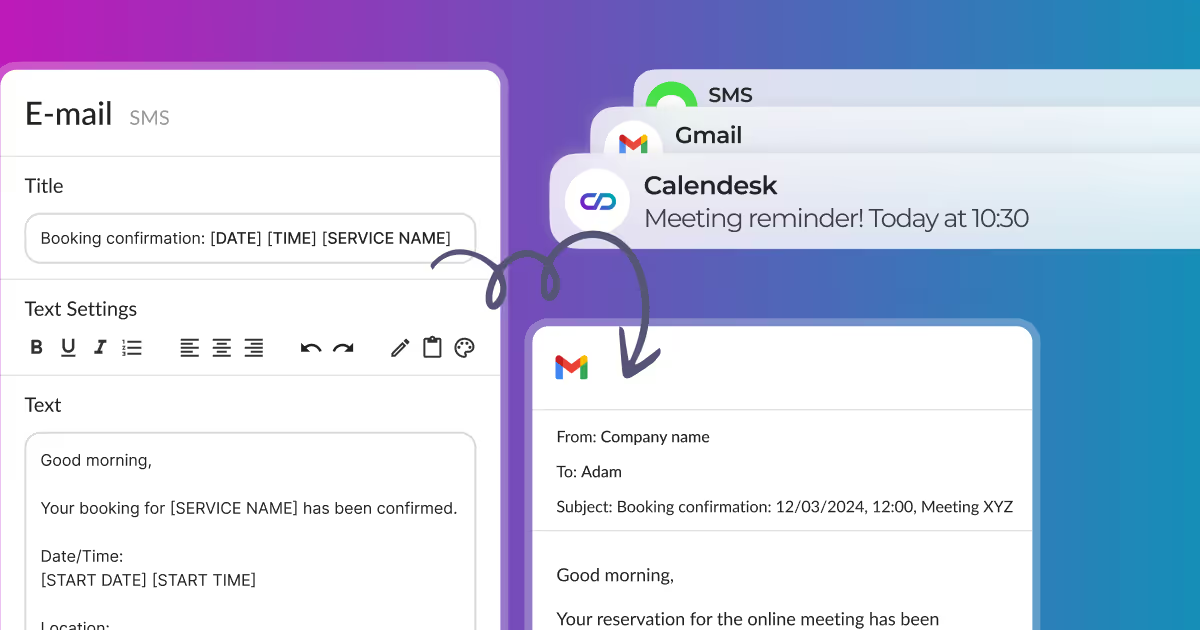
How can I edit email, SMS, and push notifications?
The Notification Editing section is where you can freely modify the content of notifications sent to your clients and employees from our appointment booking application, Calendesk. To access the notification editing section, go to the Notifications – Templates tab and then select the Edit email/SMS/push button, depending on the notification you wish to edit.
Read time: 2 minutes
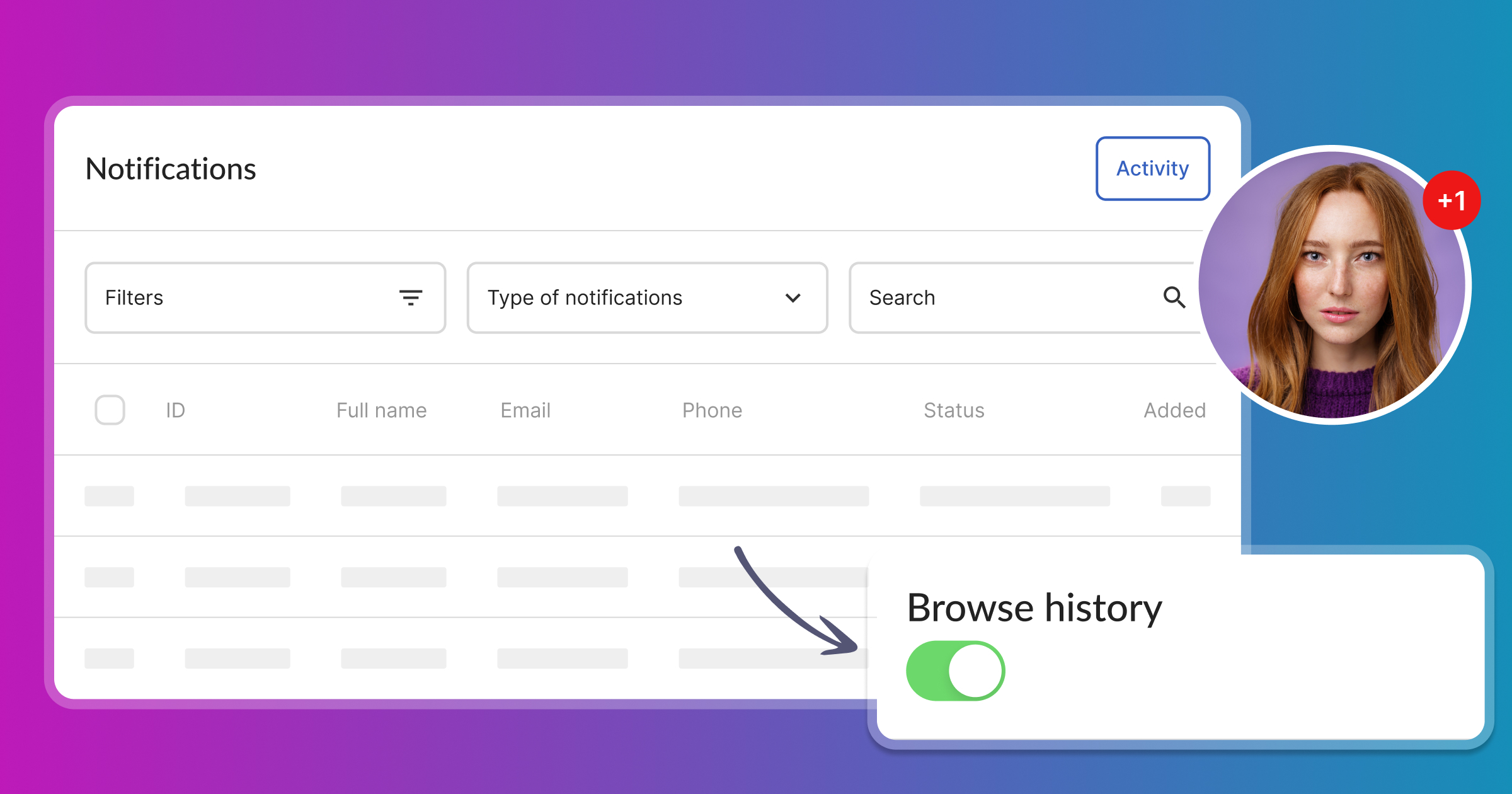
Where can I find the messages sent to customers?
The Notifications - Activity tab in Calendesk allows you to check if the system has sent a notification or reminder to a client or staff member. In this tab, you’ll find a history of both automatic notifications (sent with bookings) and manual notifications (sent independently of bookings).
Read time: 5 minutes
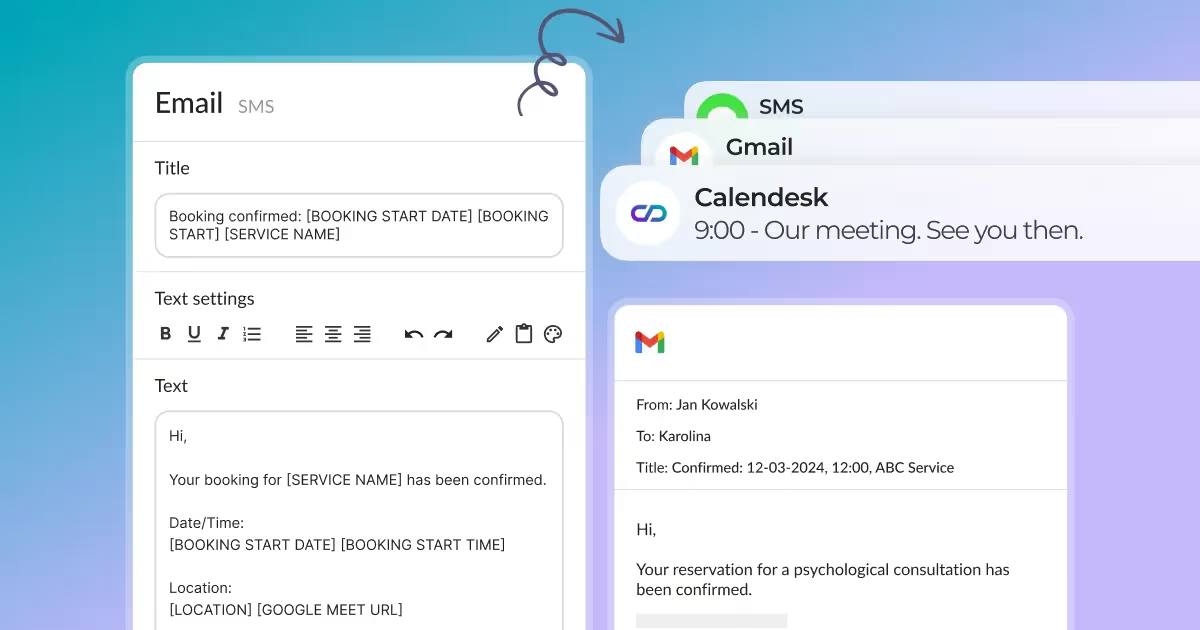
Advanced Notification Editing
You can customize all notifications that Calendesk sends to your customers and employees. First, please go to the "Notifications...
Read time: 3 minutes
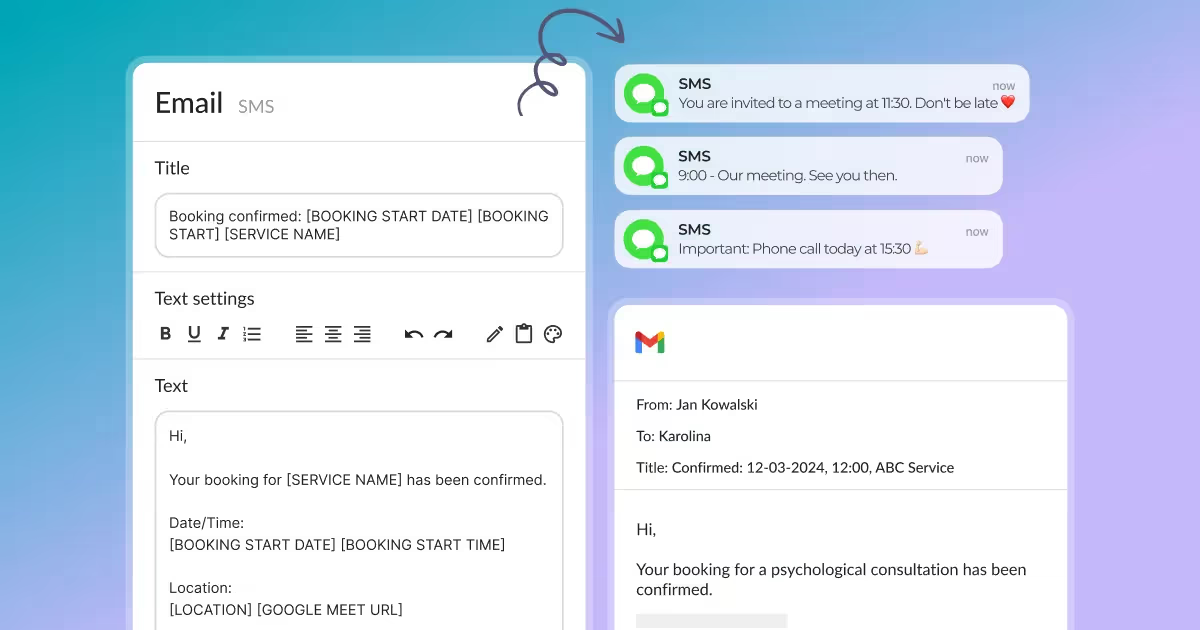
How can I configure different types of notifications?
In Calendesk, you can decide what kind of notifications you want to send automatically to your customers or employees. Go to the "Setting...
