Google Calendar vs Cal com Comparison

Which one is a better scheduling solution for you? Google Calendar or maybe Cal com?

Google Calendar's Customers Rating
4.5
Visit website
Email Support
Live Chat Support
Data Export/Import Capabilities
Training and Onboarding
Dedicated Customer Success and Support Team
API Access
Calendar Builder with Full Customization
Advanced Reminders (SMS, Email, Push Notifications)
Cal com's Customers Rating
4.5
Visit website
Email Support
Live Chat Support
Data Export/Import Capabilities
Training and Onboarding
Dedicated Customer Success and Support Team
API Access
Calendar Builder with Full Customization
Advanced Reminders (SMS, Email, Push Notifications)

Compare Google Calendar and Cal com Websites
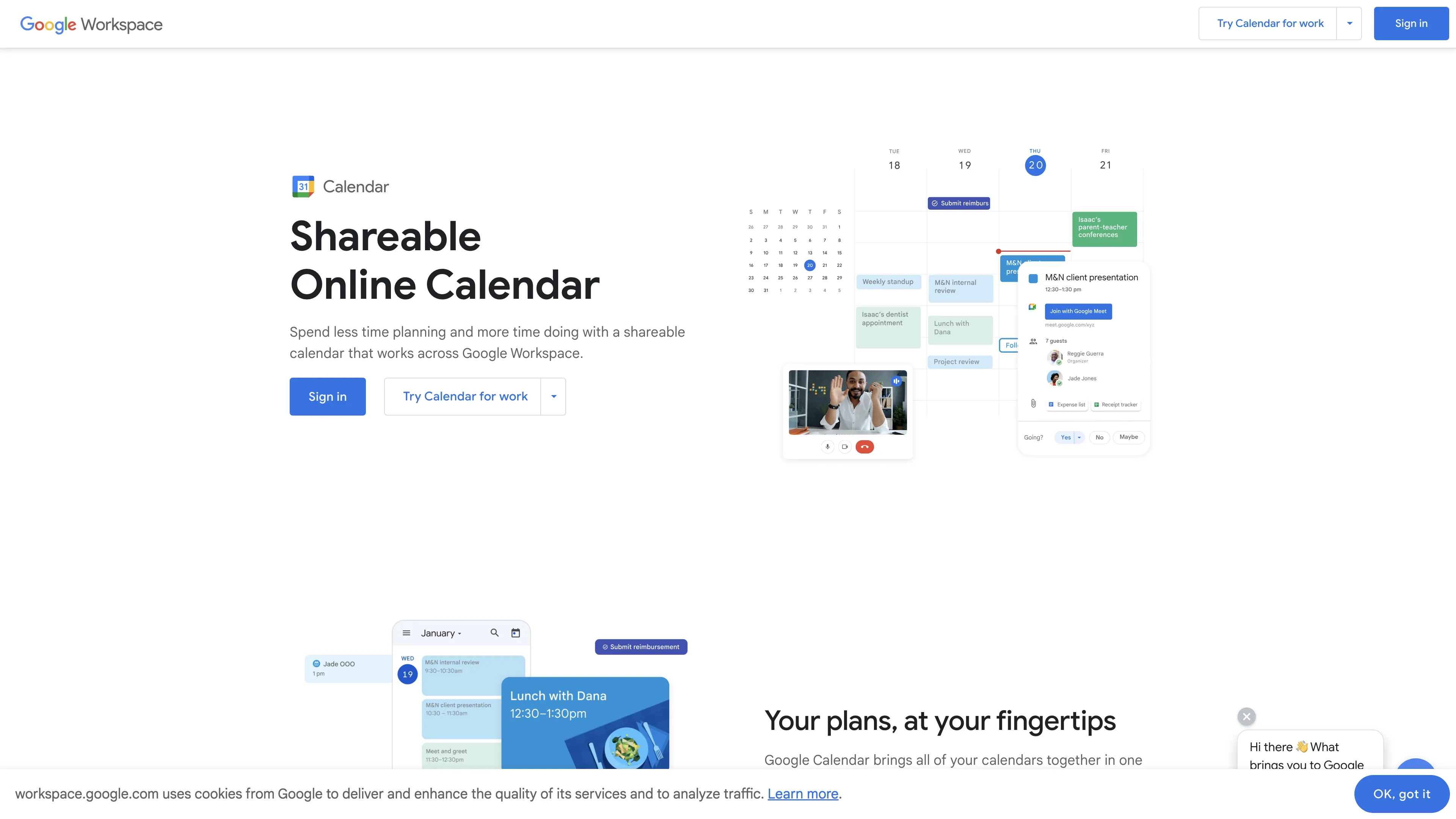
Google Calendar
Cal com

Watch and Compare Google Calendar and Cal com Promo Videos on YouTube.

Main Points to Consider for Google Calendar vs Cal com

Google Calendar has a rating of 4.5, while Cal com has a rating of 4.5. The Google Calendar Standard plan costs $12 monthly, per user, compared to Cal com's $10 monthly, per user. Compare Google Calendar and Cal com features based on collected data and real user reviews that highlight their possibilities, issues, customer service, and value for money.

Key consideration for Google Calendar: Google Calendar offers excellent scheduling management and integration with other Google apps, but has issues with event creation, integrating multiple email addresses, and limited task color customization.

Key consideration for Cal com: Cal.com is an open-source scheduling platform with an elegant, intuitive interface, but it suffers from poor support, lack of MS Exchange 2019 integration, and occasional video connection errors.

Prices
Google Calendar
Cal com
Standard plan
Premium plan
Free Plan Availability
Checkmark
-
Checkmark
-
Free Trial Availability
Checkmark
-
Checkmark
-
*How did we calculate the prices? Due to the varying pricing of reservation systems, we estimated the average price for the standard plan for 5 users, and for the premium plans, for 15 users.
Core Features
Supported Languages
Multiple languages
English
Custom Full Website Branding (Sections, Subpages, Logo, Colors, etc.)
Checkmark
-
-
Calendar Builder with Full Customization
Checkmark
-
-
Mobile App for Customers
Checkmark
-
-
Mobile App for Employees
Checkmark
-
-
Privacy Policy and Terms & Conditions Generator
Checkmark
-
-
Newsletter Module for Clients
Checkmark
-
-
Customer Area (Signup/Login Panel For Customers)
Checkmark
-
-
Integrations
Google Calendar Integration
Checkmark
-
-
Google Meet Integration
Checkmark
-
-
Zoom Integration
Checkmark
-
-
Microsoft Outlook Integration
Checkmark
-
-
Microsoft Teams Integration
Checkmark
-
-
Skype Integration
Checkmark
-
-
WhatsApp Integration
Checkmark
-
-
Invoicing System Integration
Checkmark
-
-
API Access
Checkmark
-
-
Zapier Integration
Checkmark
-
-
Notifications
Advanced Reminders (SMS, Email, Push Notifications)
Checkmark
-
-
SMS Notifications
Checkmark
-
-
Email Notifications
Checkmark
-
-
Push Notifications (Customers & Employees)
Checkmark
-
-
Additional Features
Appointment Scheduling
Checkmark
-
-
Online Payment Processing
Checkmark
-
-
Customizable Booking Forms
Checkmark
-
-
Reporting & Analytics
Checkmark
-
-
GDPR Compliance & Security
Checkmark
-
-
Business Support
Help Center Access
Checkmark
-
-
Email Support
Checkmark
-
-
Live Chat Support
Checkmark
-
-
Dedicated Customer Success and Support Team (Enterprise Plans)
Checkmark
-
-
Training and Onboarding
Checkmark
-
-
Data Export/Import Capabilities
Checkmark
-
-

User Reviews

What Are Users Saying About Google Calendar?

[...] Google has a pretty good user interface for easy management of your schedule, The best best feature is being able to subscribe to workmate's calendars this way you get to see what they are up to.

[...] The overall experience has been excellent. I love this product and appreciate the work and research that has been put into it.

[...] Perfectly integrated with the manufacturer's other applications, the interface is good and easy to use and allows you to create tasks and meetings with great ease.

[...] When creating an event on the web version, if you accidentally click elsewhere, the event creation pop-up disappears, along with the info you've already put in.

[...] It is difficult to integrate different email addresses into on Google Calendar. I sometimes I have invites through different emails but it is really confusing to get them into one Calendar.

[...] The two things that are of annoyance have to do with the colors. Tasks are ALWAYS the same color and cannot be changed which gets confusing when using a color legend.

What Are Users Saying About Cal com?

[...] Is it truly opensource ? in case i want to use it for a SaaS app ? Do I need to buy some license ? or I cam self-hosted white label way ?

[...] more elegant than Calendly, more open than Savvycal, cal.com works and it feels just right.

[...] I've been using various scheduling applications over the years, but CAL has completely revolutionized my experience. The user interface is clean, intuitive, and visually appealing.

[...] Love the interface, what is terrible is the support. Have an open ticket for over 3 days and no replies from support yet... :(

[...] Great feature. However, as cal.com can still not connect to MS Exchange 2019 calendars, this renders the whole service unusable for everyone using a current version of MS Exchange... 🤔 I'd prefer they allowed people using their service in the first place, before pimping it with nice-to-have features.

[...] Whenever I start the meeting, it always shows an error for the video with an error. I have to always close all my browser tabs and then it connects to the FaceTime cam. Not sure if it with me or with other folks.

*User Reviews were gathered from platforms like Capterra, Trustpilot, and GetApp.

Frequently Asked Questions (FAQ)

Find quick answers to key questions about using Google Calendar and Cal com to make the most of their features and capabilities.

Google Calendar offers excellent scheduling management and integration with other Google apps, but has issues with event creation, integrating multiple email addresses, and limited task color customization.

Cal.com is an open-source scheduling platform with an elegant, intuitive interface, but it suffers from poor support, lack of MS Exchange 2019 integration, and occasional video connection errors.

Google Calendar offers a free trial plan.
Google Calendar's pricing for paid plans starts at $12 (monthly, per user) for the Standard plan.

Cal com offers a free trial plan.
Cal com's pricing for paid plans starts at $10 (monthly, per user) for the Standard plan.

Google Calendar offers excellent scheduling management and integration with other Google apps, but has issues with event creation, integrating multiple email addresses, and limited task color customization. On the other hand, Cal.com is an open-source scheduling platform with an elegant, intuitive interface, but it suffers from poor support, lack of MS Exchange 2019 integration, and occasional video connection errors.

No Google Calendar does not integrate with Office 365.

Yes Cal com integrates with Office 365.

No Google Calendar does not integrate with Zoom.

Yes Cal com integrates with Zoom.

Stop losing hours on meeting setups - start for free now!
 ⬇️