Calendar vs Simply Schedule Appointments Comparison

Which one is a better scheduling solution for you? Calendar or maybe Simply Schedule Appointments?


Calendar's Customers Rating
4
Visit website
Email Support
Live Chat Support
Data Export/Import Capabilities
Training and Onboarding
Dedicated Customer Success and Support Team
API Access
Calendar Builder with Full Customization
Advanced Reminders (SMS, Email, Push Notifications)
Simply Schedule Appointments's Customers Rating
4.7
Visit website
Email Support
Live Chat Support
Data Export/Import Capabilities
Training and Onboarding
Dedicated Customer Success and Support Team
API Access
Calendar Builder with Full Customization
Advanced Reminders (SMS, Email, Push Notifications)

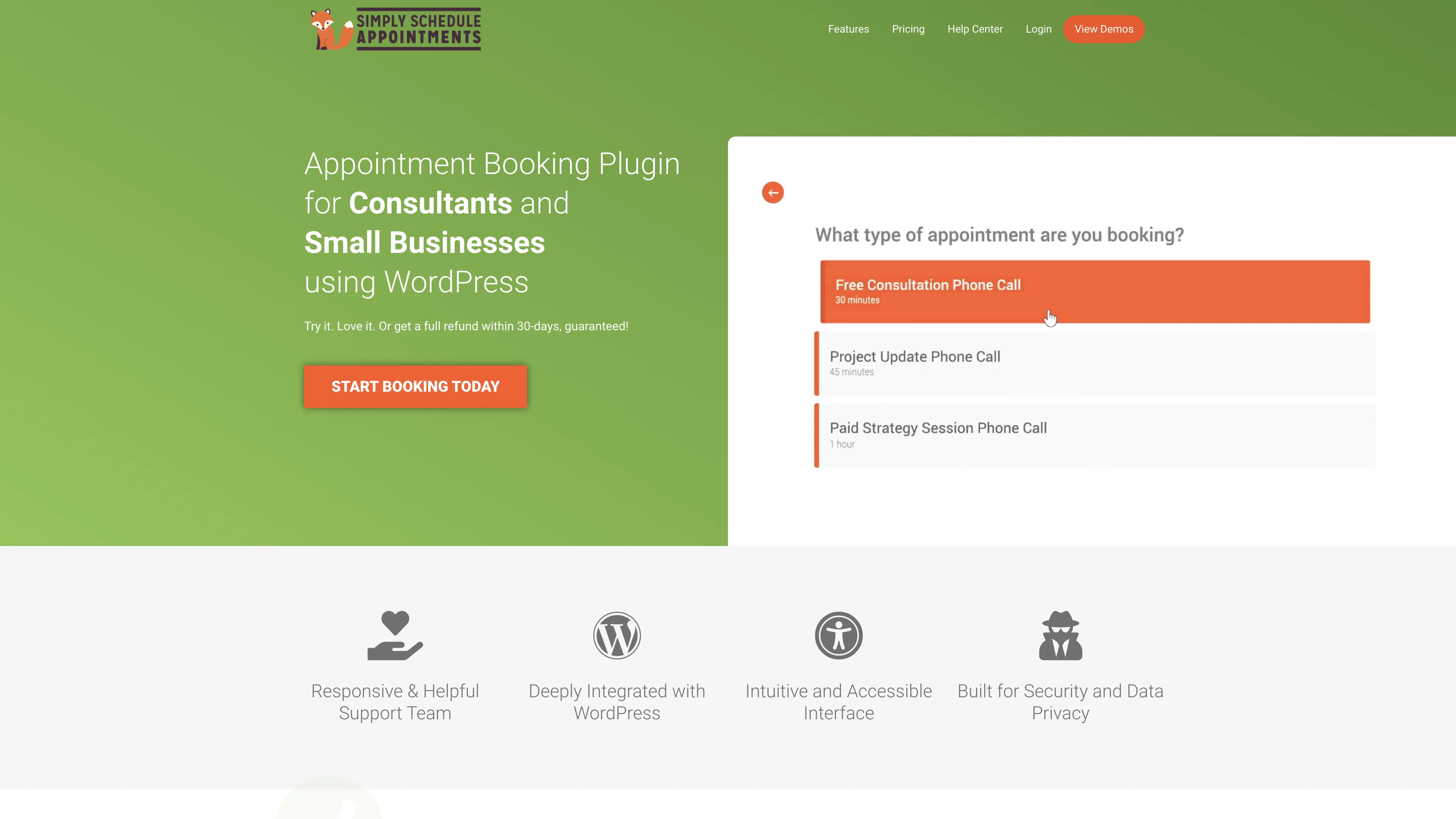
Compare Calendar and Simply Schedule Appointments Websites
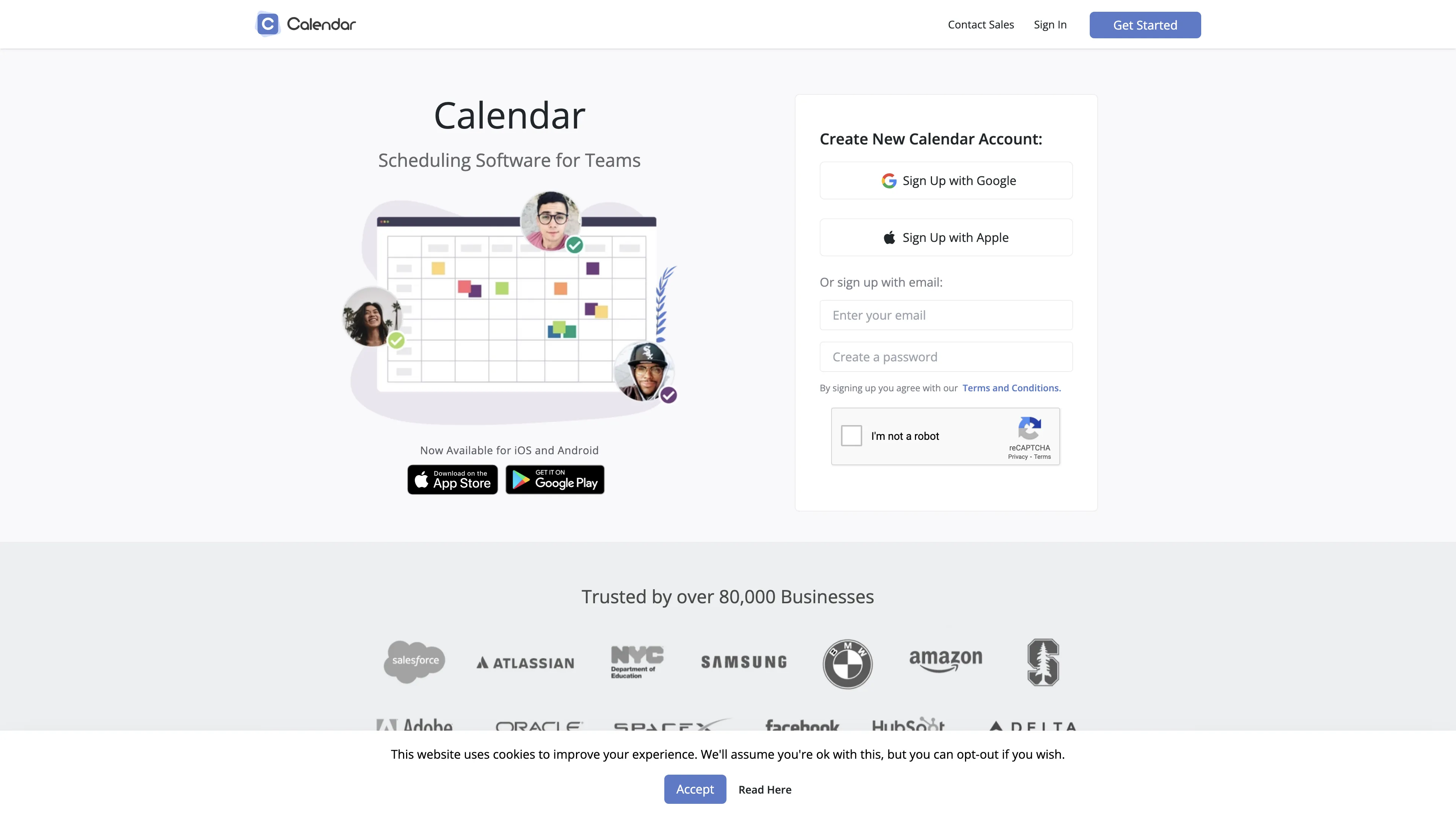
Calendar
Simply Schedule Appointments

Watch and Compare Calendar and Simply Schedule Appointments Promo Videos on YouTube.

Main Points to Consider for Calendar vs Simply Schedule Appointments

Calendar has a rating of 4, while Simply Schedule Appointments has a rating of 4.7. The Calendar Standard plan costs $25 monthly, per user, compared to Simply Schedule Appointments's $16.58 monthly, per user. Compare Calendar and Simply Schedule Appointments features based on collected data and real user reviews that highlight their possibilities, issues, customer service, and value for money.

Key consideration for Calendar: Calendar.com offers a clean interface with seamless Gmail integration and helpful features but has significant issues with unauthorized charges, poor customer service, and questionable billing practices.

Key consideration for Simply Schedule Appointments: Simply Schedule Appointments is easy to set up and user-friendly, but lacks customization options and isn't fully GDPR compliant.

Prices
Calendar
Simply Schedule Appointments
Standard plan
Premium plan
Free Plan Availability
Checkmark
-
Checkmark
-
Free Trial Availability
Checkmark
-
Checkmark
-
*How did we calculate the prices? Due to the varying pricing of reservation systems, we estimated the average price for the standard plan for 5 users, and for the premium plans, for 15 users.
Core Features
Supported Languages
Multiple languages
English
Custom Full Website Branding (Sections, Subpages, Logo, Colors, etc.)
Checkmark
-
-
Calendar Builder with Full Customization
Checkmark
-
-
Mobile App for Customers
Checkmark
-
-
Mobile App for Employees
Checkmark
-
-
Privacy Policy and Terms & Conditions Generator
Checkmark
-
-
Newsletter Module for Clients
Checkmark
-
-
Customer Area (Signup/Login Panel For Customers)
Checkmark
-
-
Integrations
Google Calendar Integration
Checkmark
-
-
Google Meet Integration
Checkmark
-
-
Zoom Integration
Checkmark
-
-
Microsoft Outlook Integration
Checkmark
-
-
Microsoft Teams Integration
Checkmark
-
-
Skype Integration
Checkmark
-
-
WhatsApp Integration
Checkmark
-
-
Invoicing System Integration
Checkmark
-
-
API Access
Checkmark
-
-
Zapier Integration
Checkmark
-
-
Notifications
Advanced Reminders (SMS, Email, Push Notifications)
Checkmark
-
-
SMS Notifications
Checkmark
-
-
Email Notifications
Checkmark
-
-
Push Notifications (Customers & Employees)
Checkmark
-
-
Additional Features
Appointment Scheduling
Checkmark
-
-
Online Payment Processing
Checkmark
-
-
Customizable Booking Forms
Checkmark
-
-
Reporting & Analytics
Checkmark
-
-
GDPR Compliance & Security
Checkmark
-
-
Business Support
Help Center Access
Checkmark
-
-
Email Support
Checkmark
-
-
Live Chat Support
Checkmark
-
-
Dedicated Customer Success and Support Team (Enterprise Plans)
Checkmark
-
-
Training and Onboarding
Checkmark
-
-
Data Export/Import Capabilities
Checkmark
-
-

User Reviews

What Are Users Saying About Calendar?

[...] Calendar has a lot of nice features packed inside its clean interface. It integrates seamlessly with Gmail's calendar, and I love that I can keep track all of my scheduled events without any hassle.

[...] While I’ve tried different Calendar software over the past years, I found Calendar.com to be the smartest among them all.

[...] Calendar.com helps me stay on top of my busy schedule and keep track of how I'm using my time. I'd love to see Calendar.com integrate with Due.com as well as a small business CRM to track relationships holistically.

[...] Unauthorized charge for 3x original amount, horrible customer service. Crappy SaaS product that costs them nothing to offer a refund when they literally steal from their customers by hiding a 3x price hike year over year in their terms and conditions.

[...] Very poor customer service and experience. Typical poor quality SAAS product designed to lure with free trials, sting you for a year in advance then refuse to address issues.

[...] This company charged me for a year, when I wanted a month-to-month plan, and refused to refund it and make it right. Support is non-existent, and the app does not even sync all events on the same calendar. Truly one of the worst apps I've ever used, and one of the least ethical companies I've worked with. Avoid at all costs.

What Are Users Saying About Simply Schedule Appointments?

[...] Setting it up was quick and easy—I had it running in no time. My clients find it super easy to book appointments, and it’s made scheduling so much simpler for me.

[...] My experience with SSA has opened my mind up to upgrading to a paid version.

[...] After working with another plugin that didn’t have the amount of flexibility we needed, we decided to switch to Simply Schedule Appointments Booking plugin, and it was definitely the right choice!

[...] GDPR – European users beware.Unfortunately, the plug-in cannot be used in this form, as there is no possibility to switch off external resources.

[...] I think it’s great that there is at least a module for the Divi Builder. There are just too many producers out there who keep forgetting about Divi, even though the builder, next to Elementor, holds the most market share.

[...] The customization options are quite limited. For a tool that's supposed to handle a variety of scheduling needs, it's disappointing that you can't tweak it to fit more specific requirements.

*User Reviews were gathered from platforms like Capterra, Trustpilot, and GetApp.

Frequently Asked Questions (FAQ)

Find quick answers to key questions about using Calendar and Simply Schedule Appointments to make the most of their features and capabilities.

Calendar.com offers a clean interface with seamless Gmail integration and helpful features but has significant issues with unauthorized charges, poor customer service, and questionable billing practices.

Simply Schedule Appointments is easy to set up and user-friendly, but lacks customization options and isn't fully GDPR compliant.

Calendar offers a free trial plan.
Calendar's pricing for paid plans starts at $25 (monthly, per user) for the Standard plan.

Simply Schedule Appointments offers a free trial plan.
Simply Schedule Appointments's pricing for paid plans starts at $16.58 (monthly, per user) for the Standard plan.

Calendar.com offers a clean interface with seamless Gmail integration and helpful features but has significant issues with unauthorized charges, poor customer service, and questionable billing practices. On the other hand, Simply Schedule Appointments is easy to set up and user-friendly, but lacks customization options and isn't fully GDPR compliant.

Yes Calendar integrates with Office 365.

No Simply Schedule Appointments does not integrate with Office 365.

Yes Calendar integrates with Zoom.

Yes Simply Schedule Appointments integrates with Zoom.

Stop losing hours on meeting setups - start for free now!
 ⬇️